Checkout Operations
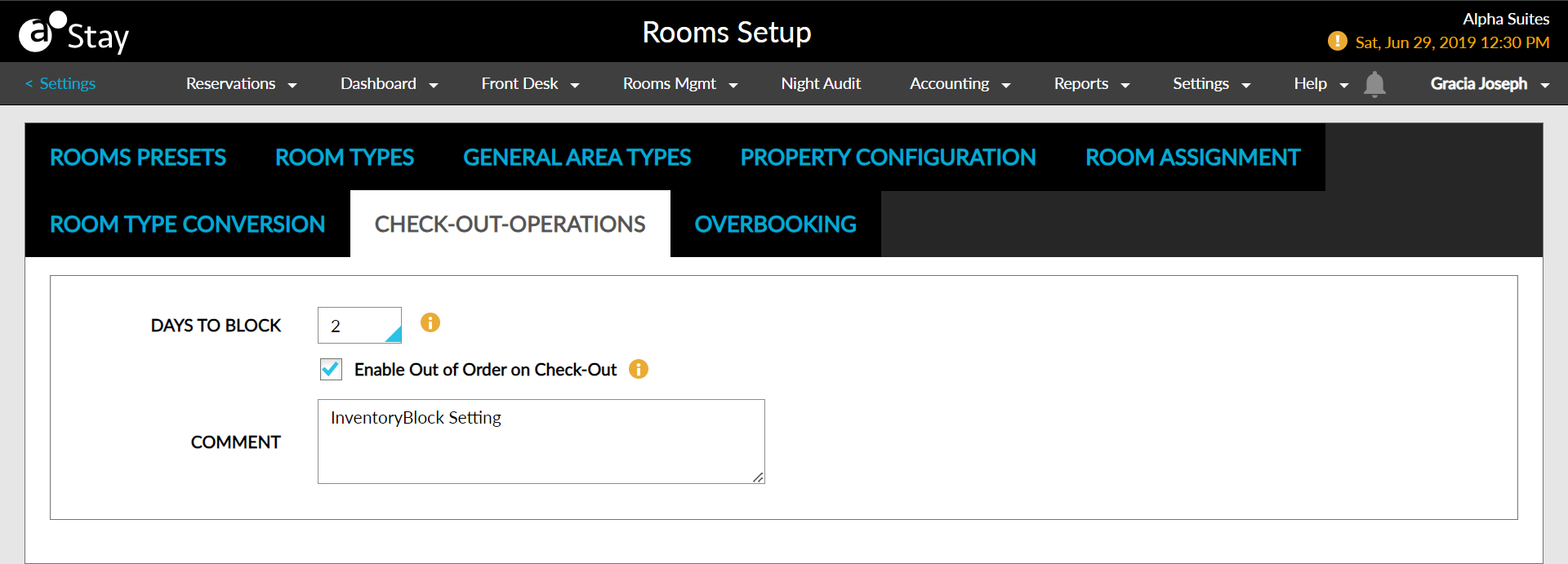
The Checkout Operations option allows users to create inventory blocks on checkout instantly. Users can create the block and set the number of days the block must be created.
Perform the following steps to set up inventory blocks at checkout:
Navigate to Settings ➜ All Settings ➜ Rooms & room types (under General).
Navigate to the Checkout Operations tab.
Select the number of days room must be set to Out of Order from Days to Block.
Enable the Enable Out of Order on Check-Out checkbox to make rooms out of order on checkout.
Enter a relevant description in the Comment box.
Click Save.